Your Obsidian Vault,
Accelerated.
The fastest way to capture, review, and interact with your vault on Android. Local-first, privacy-focused, and lightning fast.
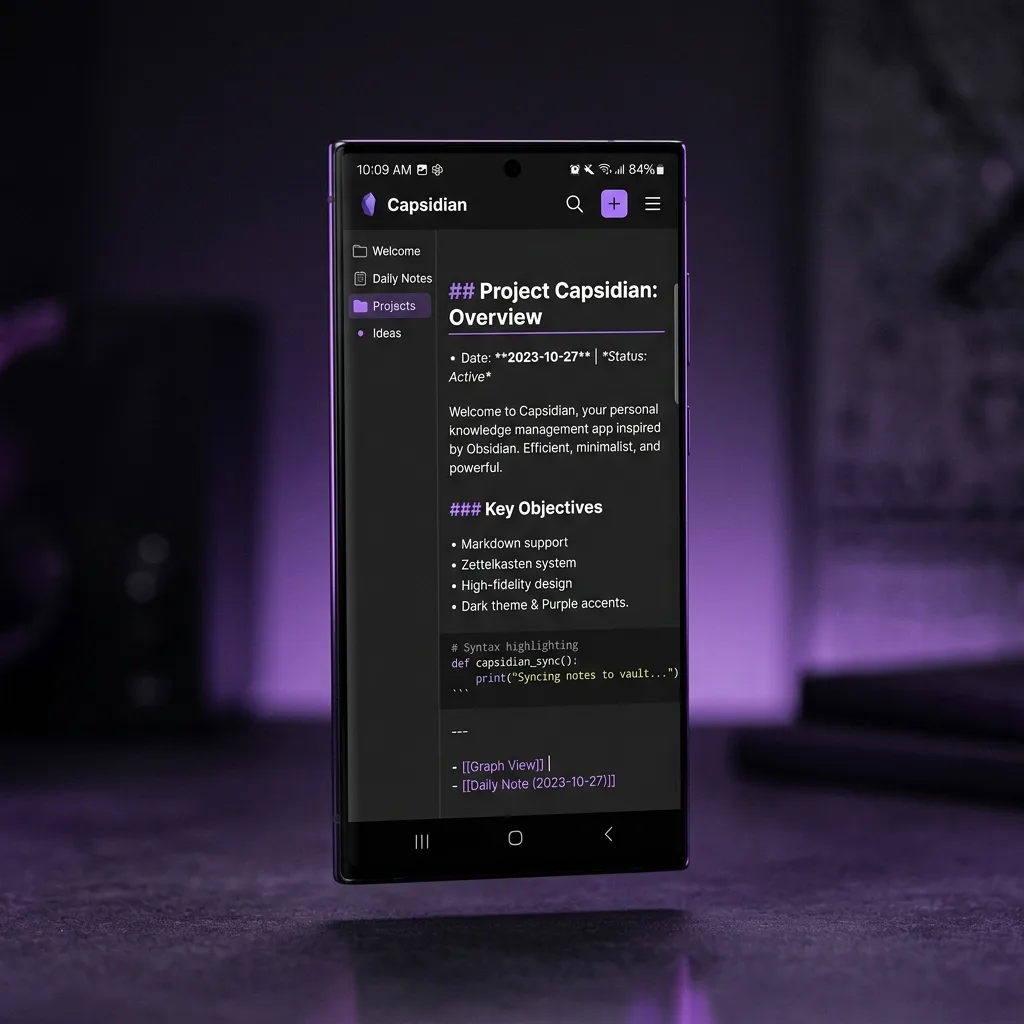
See How It Works
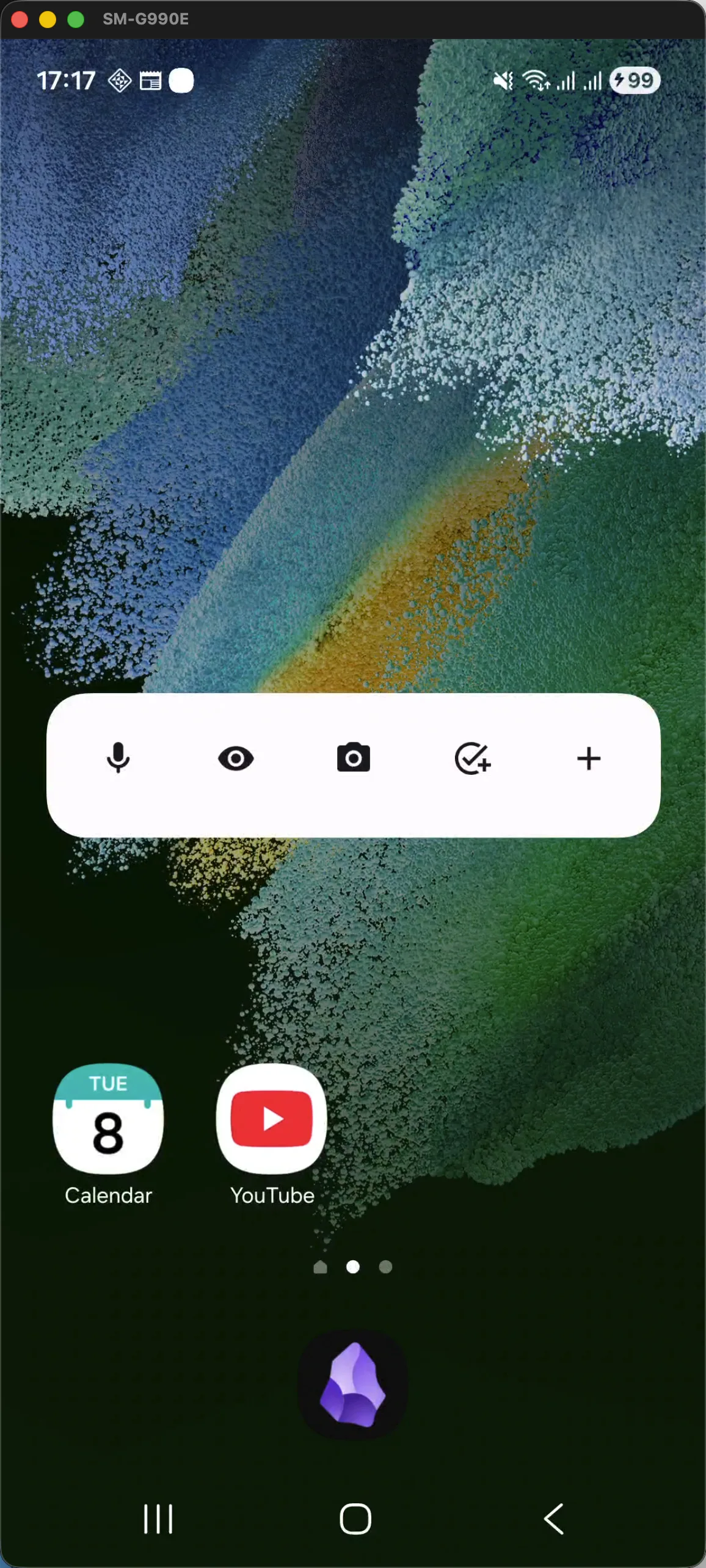
Click the glowing buttons on the widget or choose a flow below to test-drive Capsidian's capture speed.
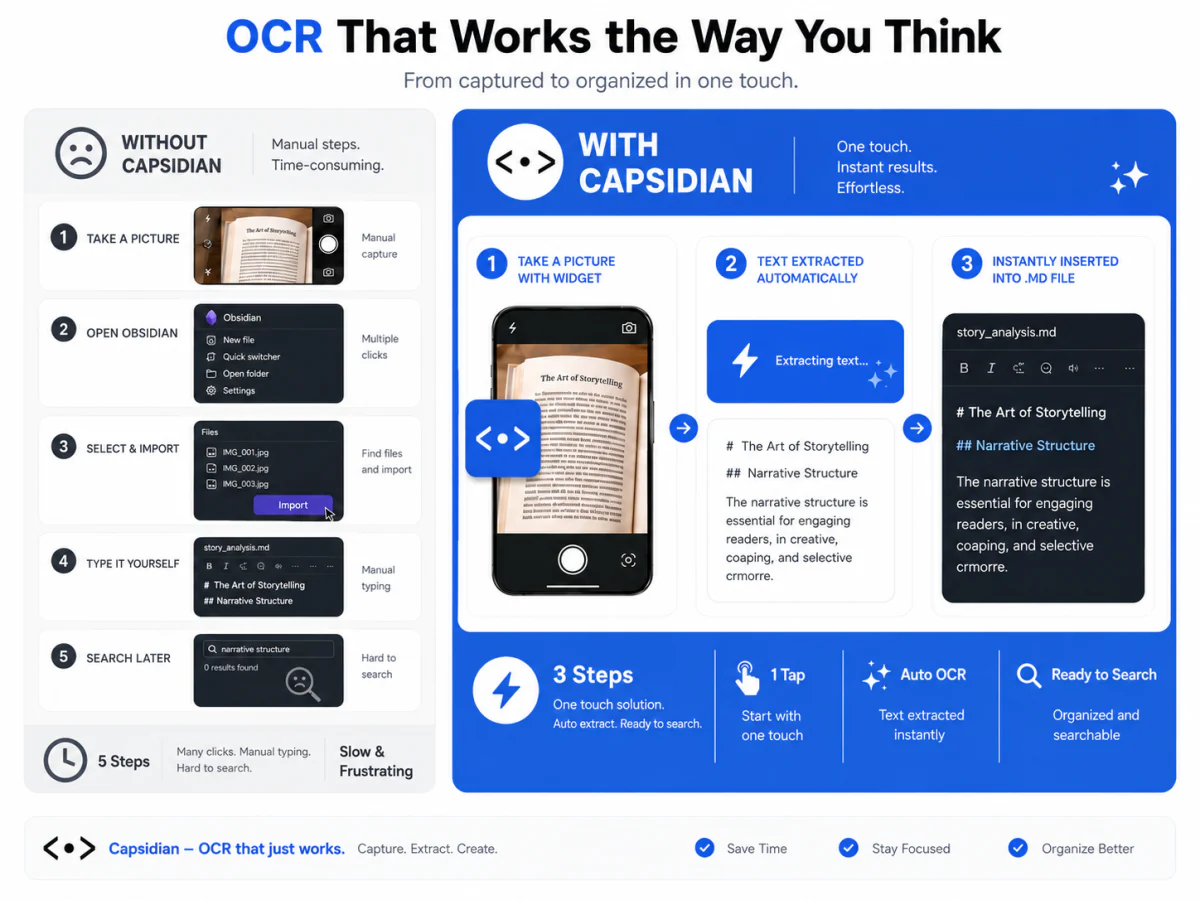
AI OCR Multi-Capture
Snap text from physical books and handwritten notes directly into formatted Markdown.
Click the eye icon on the Capsidian home widget to launch high-speed document capture.
Workflow Highlights
Mobile Obsidian is Frustrating
Sound familiar? You are not alone.
Slow Vault Access
"Opening my vault on mobile takes forever..."
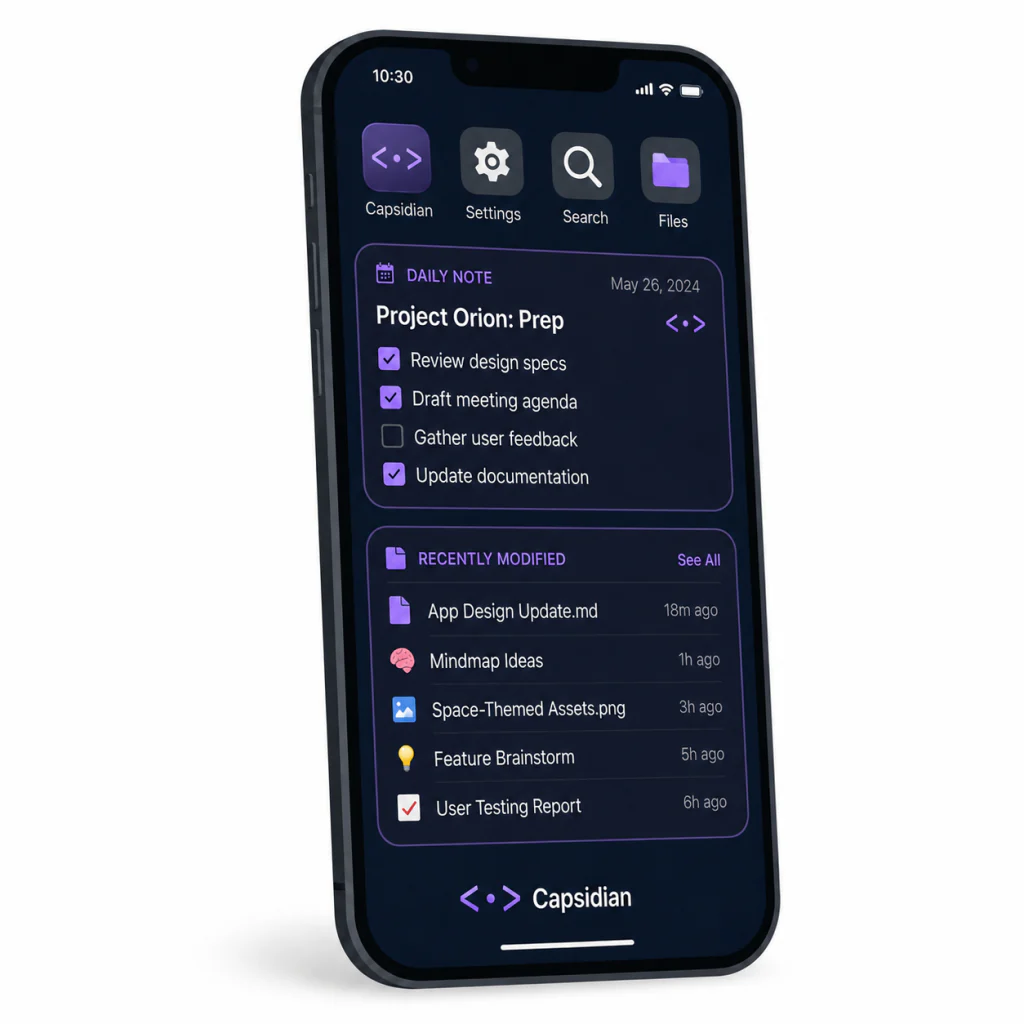
Instant-access home screen widgets display your Daily Note, recent files, and calendar. No app launch required.
Clunky Mobile Input
"I have to manually type everything on a tiny keyboard..."
AI-powered OCR captures text from books, whiteboards, and handwritten notes. Speech-to-text handles the rest.
Messy Research
"My YouTube notes are a disaster of copy-pasted links..."
Share a YouTube URL and Capsidian extracts the title, channel, metadata, and full subtitles into a clean Markdown note.
Engineered for Speed & Flow
Capture knowledge from any format and interact with your second brain in one touch.
The Knowledge Snatcher
Turn any source of incoming information into a perfectly structured Markdown note in seconds.
-
AI-Powered OCR: Extract text from images, book pages, and handwritten notes with near-perfect accuracy.
-
YouTube Integration: Share a video link to automatically save title, channel, timestamps, and full subtitles.
-
Voice-to-Vault: High-fidelity speech transcription that writes directly into your vault.
Your Vault, At a Glance
Customizable Android widgets keep your most critical Obsidian notes always visible on your home screen.
-
Daily Note Preview: See your morning plan, checklist, and journal without opening anything.
-
Recently Modified: One tap to jump back into your most active notes.
-
Quick Capture Widget: A single tap to create a new note directly from your home screen.
Built for the Privacy-Conscious
Your ideas are your own. Capsidian respects that by staying completely out of the way.
100% Local-First
No servers, no accounts, no telemetry. Your files never leave your device. Period.
Respects Your Structure
No proprietary folders or hidden metadata. Standard Markdown files in your existing folder structure.
Open & Independent
Built by Obsidian fans, for Obsidian fans. Works seamlessly with Sync, Syncthing, Git, or Dropbox.
Frequently Asked Questions
Everything you need to know about compatibility, storage, and privacy.
Absolutely. Capsidian only writes standard Markdown (.md) files and properties. Capsidian follows Obsidian's file structure conventions precisely, ensuring 100% compatibility with your existing notes and plugins.
Yes! Capsidian writes to your local Android folder. Obsidian Sync, Syncthing, Dropbox, or any folder-based sync tool will pick up the changes automatically. We do not interfere with your sync workflow.
Capsidian is currently in Beta and free to use. We plan to keep the core local-first features free forever, with premium AI-powered features (OCR, transcription) available via an optional subscription.
No. Capsidian creates clean Markdown files and never modifies your existing notes. No hidden migrations, no proprietary formats. What you see is what Obsidian sees.
Capsidian is currently available for Android devices through Google Play.
Yes. Choose your existing local vault folder and Capsidian will work with its standard Markdown files and folder structure.
No. Capsidian is local-first, so you can use the core app without creating an account or sending your vault to our servers.
Don't let your best ideas evaporate.
Capture ideas faster and keep your Obsidian workflow moving wherever you are.