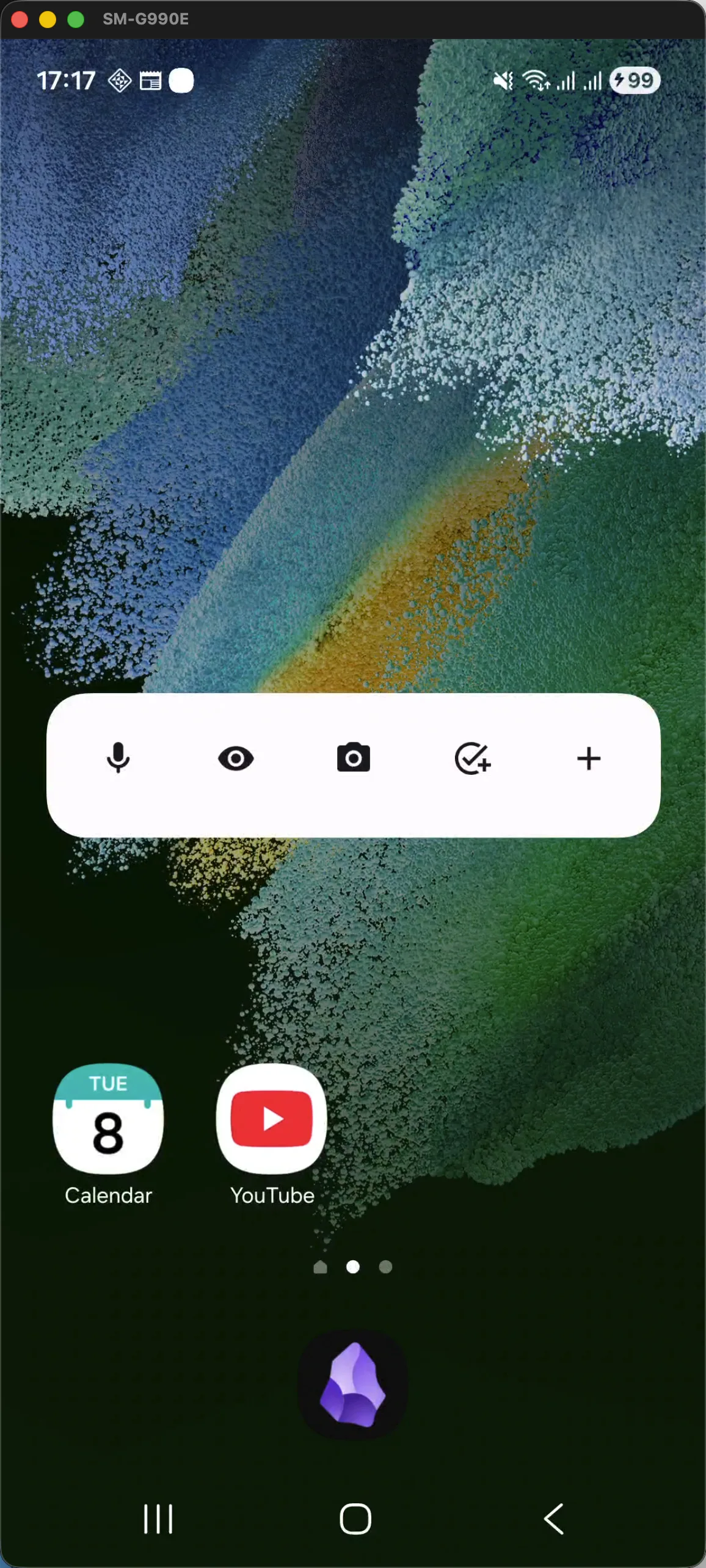
Your Obsidian Vault, Accelerated.
Instant capture, AI OCR, and widgets for your second brain.
AI OCR Multi-Capture
Snap text from physical books and handwritten notes directly into formatted Markdown.
Workflow Highlights
Silent, Automated Obsidian Sync
Never worry about manual transfers or missing notes. Capsidian silently syncs your mobile captures into your Obsidian vault in the background—customized to your schedule, battery, and network preferences.
Daily/2026-10-23.md
12ms
Inbox/Book-Notes.md
18ms
Automated Frequency Options
Full control over when and how your vault syncs. Choose immediate push on every capture, background intervals every 15 minutes, or hourly sweeps.
Battery & Network Conscious
Leverages native OS background tasks (Android WorkManager & iOS BGTaskScheduler) with Doze mode compatibility, Wi-Fi only mode, and zero CPU drain.
Obsidian Sync & Syncthing Ready
Operates directly on standard Markdown files. Plays flawlessly alongside official Obsidian Sync, Syncthing, Git, Dropbox, or iCloud Drive.
Built for Privacy. Clear & Open.
100% local-first storage, pure Markdown, and answers to common vault questions.
100% Local-First
No servers, no accounts, no sign-up. Your vault files never leave your device.
Pure Markdown (.md)
No proprietary folders or lock-in. Standard Markdown directly in your vault hierarchy.
Private by Design
We never inspect, log, or track your personal thoughts or note contents.
Open Sync Ready
Compatible with Obsidian Sync, Syncthing, Git, Dropbox, or standard local folders.
Frequently Asked Questions
Quick answers on storage, compatibility, and privacy.
Absolutely. Capsidian only writes standard Markdown (.md) files. It follows Obsidian's folder conventions precisely, ensuring 100% compatibility with your existing notes, links, and community plugins.
Yes. Capsidian writes to your local vault folder. Obsidian Sync, Syncthing, Dropbox, or Git will detect the file changes automatically without conflict.
Capsidian is free to use. Core local-first capture and widgets remain free forever.
Don't let your best ideas evaporate.
Instant capture, high-speed OCR, and local-first peace of mind for Obsidian.